T2 Mac MDM Removal
Remove Mobile Device Management (MDM) profiles from your T2-chip Mac. Bypass Remote Management lock screens and regain full control of your device without company credentials.
Learn MoreRemove MDM locks, FMM & EFI restrictions, and activation barriers from your T2-chip Mac — fast, secure, and without sending your device anywhere.
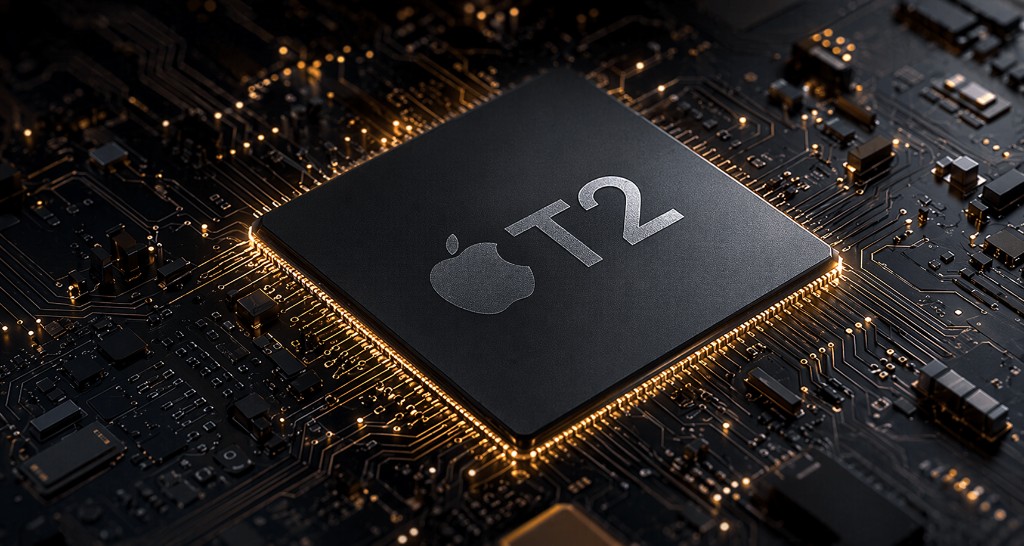
Specialized unlock solutions for Apple T2 security chip Macs — no shipping required, no Apple ID needed.
Remove Mobile Device Management (MDM) profiles from your T2-chip Mac. Bypass Remote Management lock screens and regain full control of your device without company credentials.
Learn MoreClear Find My Mac (FMM) and EFI firmware passwords from T2 Macs. Our remote service removes these firmware-level barriers without physical access to Apple servers.
Learn MoreRemove the Activation lock from your T2-chip Mac without the original Apple ID. Our service restores your Mac to a fully usable state, ready for setup with any Apple account.
Learn MoreOur service is designed to be straightforward. No shipping your Mac, no technical expertise required.
Select your service, complete your order, and download and install iCore Unlock on your Mac (macOS 10.15 or later).
Put the locked T2 Mac into DFU or Recovery mode and connect it to your Mac running iCore Unlock via USB cable. The software detects your device automatically.
Follow the on-screen steps in the software. The lock is removed and your Mac is fully restored to normal operation.
iCore Unlock does not support the use of these services on known stolen, lost, or reported devices. By using our services, you confirm that you are the lawful owner of the device or have authorization from the rightful owner. Proof of purchase or ownership may be required. iCore Unlock reserves the right to decline or cancel any order that raises concerns regarding device legitimacy.
Everything you need to know before placing your order.
We support all Macs equipped with the Apple T2 security chip — including MacBook Pro (2018–2020), MacBook Air (2018–2020), Mac mini (2018), iMac Pro, and Mac Pro (2019). We do not currently support iPhones, iPads, Apple Watches, or non-T2 Macs.
MDM Removal is typically completed within minutes using our software. FMM/EFI and Activation Removal may take up to a few hours for remote processing. You will receive an email confirmation once your order is complete.
No. Our service is software-based and done from home. Install iCore Unlock on a Mac running macOS 10.15 (Catalina) or later, then connect the locked T2 Mac via USB cable. Your device never leaves your hands.
MDM removal is a reliable bypass that persists through normal use. If the device is factory reset and re-enrolled into MDM by an administrator, you may need to repeat the process — which you can do for free. FMM/EFI and Activation removal are permanent.
Yes. After our service completes, all Mac features are fully restored. You can use macOS normally, sign in with any Apple ID, install apps, and update macOS without any restrictions from the removed lock.
We offer a 100% money-back guarantee within 7 days of purchase if the service was not completed successfully. Refunds are not provided for completed services. Please review our full Refund Policy for details.
Choose your service, download the software, and get your Mac back in your control — today.